
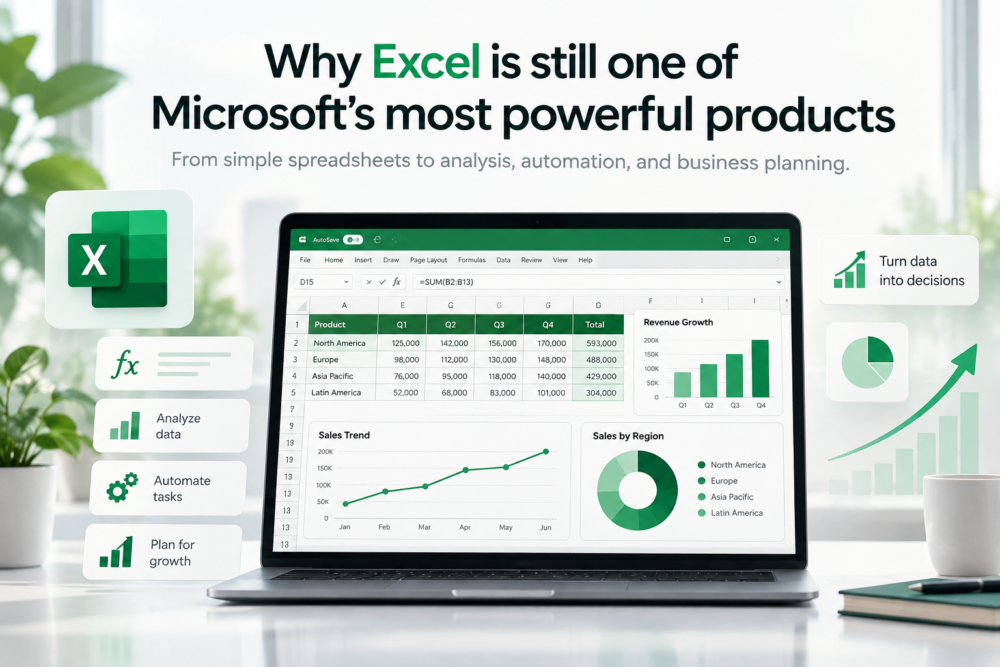
Microsoft has spent the last few years talking about artificial intelligence, cloud computing, Copilot, and the future of work. Yet Microsoft Excel remains one of the company’s most important and widely used productivity tools.
Excel does not have the novelty of a new AI model or the visual impact of a new version of Windows. It has been around for decades, and almost everyone already knows what it looks like. That familiarity can make it easy to underestimate just how much the software can actually do.
Behind the rows and columns is a powerful spreadsheet tool used for personal budgets, financial modeling, inventory tracking, data analysis, forecasting, reporting, automation, project planning, data cleaning, and thousands of other tasks. Few pieces of software can move so easily between a student’s homework, a small business, and a multinational finance department.
That flexibility is exactly why Excel remains one of Microsoft’s most powerful products.
Why Microsoft Excel is easy to start with but difficult to outgrow
One of Excel’s biggest strengths is that almost anyone can begin using it without formal training. A new user can open a blank workbook, enter a few numbers, add them together, and create a basic chart within minutes.
There is no need to understand databases, programming languages, or complex analytics software before getting started. But Excel does not stop at simple arithmetic, and that is where the product becomes unusually powerful.
As users become more experienced, they can move into formulas, lookup functions, conditional logic, PivotTables, dynamic arrays, charts, data validation, Power Query, macros, and automation. The same application can therefore be useful to somebody on their first day and still offer new capabilities to someone who has worked with it for years.
That broad range is difficult to match. Beginners can use Excel like a digital table, office workers can use it for reporting and planning, analysts can build advanced models, and power users can automate entire workflows without leaving the same familiar application.
Why Microsoft Excel is still so widely used in business
Excel’s real power is not only in what the software can do. It is also in how widely people understand it.
If someone sends a spreadsheet to an accountant, analyst, manager, supplier, or colleague, there is a good chance the recipient already knows how to open it and work with it. That creates enormous practical value because the file itself can become a shared workspace without requiring everyone to learn a new platform.
A custom database may be more sophisticated. A specialist analytics platform may be more powerful for one particular job, and a dedicated project-management tool may organize a workflow more elegantly. Those tools, however, often require specific training, accounts, permissions, or additional software.
Excel is different because it is already familiar to so many people. That is why spreadsheets often appear in places where they were never originally designed to be the main system.
Businesses track budgets in them, teams maintain lists in them, managers build forecasts in them, and small companies may run parts of their operations through them. This is not always the perfect way to work, but it shows how quickly Excel can become useful before an organization has the time, money, or need to build something more specialized.
Excel formulas turn a spreadsheet into a working model
A spreadsheet becomes much more powerful the moment one cell can respond to another. That is the core idea behind formulas.
Instead of typing a final answer, the user creates a relationship between pieces of information. Change the input, and the result changes automatically, which is why Excel works so well for planning, forecasting, and modeling.
A business can change a sales assumption and immediately see the effect on projected revenue. A household can adjust monthly expenses and see how the annual budget changes, while an analyst can change an interest rate and watch it flow through an entire financial model.
The spreadsheet is not simply storing numbers. It is describing how those numbers relate to each other.
Modern Excel has also made formulas more capable and easier to work with. Dynamic arrays, newer lookup functions, and improved text and data functions have reduced the amount of manual work that once required awkward formulas or repeated steps.
The basic idea, however, remains the same. Excel gives ordinary users a way to build logic without needing to become software developers.
PivotTables and Power Query turned Excel into a data analysis tool
Excel is often described as a spreadsheet application, but that description now feels incomplete. Tools such as PivotTables allow users to summarize large amounts of information quickly without manually building every calculation.
Power Query goes even further by helping users import, clean, reshape, and combine data from different sources. That moves Excel well beyond the idea of simply typing information into cells.
Consider a monthly report that arrives in several different files. Without automation, someone might open each file, copy the data, fix inconsistent formatting, remove unnecessary columns, and combine everything manually.
Power Query can turn much of that process into a repeatable workflow. The user defines the transformation once, and the process can be refreshed when new data arrives.
That is the point where Excel begins to behave less like a digital sheet of paper and more like a lightweight data platform.
Excel automation with VBA, Office Scripts, and workflows
Repetitive work is one of the biggest reasons spreadsheets become frustrating. If somebody performs the same twenty steps every Monday morning, the problem may not be Excel itself; the problem may be that the workflow has not been automated.
Excel offers several ways to solve that problem. VBA has existed for years and remains important in many business environments because it allows users to create macros, automate repetitive actions, and build custom logic inside workbooks.
Microsoft has also invested in newer automation tools such as Office Scripts and cloud-based workflows. That gives users several levels of automation depending on how advanced their needs are.
A basic user may only automate a few repetitive actions. A power user can create more complicated workbook logic, while a team can connect Excel to broader business workflows.
This is one of the reasons Excel occupies such an unusual position. It is normal office software, but it can also act like a programmable platform.
Python in Excel expands what advanced users can do
One of the clearest examples of Excel expanding beyond its traditional boundaries is Microsoft’s integration of Python. Python is widely used in data science, statistics, automation, and visualization, so bringing it into Excel gives advanced users access to a much broader analytical ecosystem.
The important part is that users do not need to abandon the workbook. Advanced calculations and analysis can still live alongside normal formulas, tables, and charts.
Microsoft has also been bringing Copilot-assisted workflows together with more advanced analysis inside Excel. That makes it possible for the same application to serve someone using basic SUM formulas and someone working with more complicated data-analysis techniques.
Excel does not need every user to become a programmer. It simply needs to provide somewhere to go when the problem becomes more complicated.
Microsoft Copilot is changing how people use Excel
Traditionally, using Excel meant knowing how to tell Excel exactly what to do. You needed the right formula, the correct menu, or the appropriate chart.
AI changes that relationship because users can increasingly begin by describing the result they want. Copilot can help generate formulas, create charts, build PivotTables, explore data, and make changes to a workbook using ordinary language.
This does not make spreadsheet knowledge irrelevant. A user still needs to understand whether an answer makes sense, and financial or business decisions still require judgment.
What AI can do is reduce the distance between knowing what you want to learn from the data and knowing exactly which Excel feature will produce it. That could make advanced spreadsheet capabilities accessible to a much larger group of people.
The flexibility of Excel is also its biggest risk
Excel can do almost anything, but that does not mean it should.
A spreadsheet can grow from a simple list into a mission-critical business system without anyone intentionally designing it that way. One person adds a formula, another adds a second worksheet, someone builds a macro, and a few years later an entire department depends on a workbook that nobody wants to touch because one broken formula could cause a serious problem.
This is the downside of flexibility. Excel makes it so easy to build useful solutions that temporary solutions can quietly become permanent.
For important work, good spreadsheet habits still matter:
✓ Keep formulas understandable.
✓ Document important assumptions.
✓ Protect critical cells and worksheets.
✓ Maintain reliable backups and version history.
✓ Move to a dedicated database or business system when the spreadsheet has clearly outgrown itself.
Power is most useful when it is controlled.
Why has Microsoft Excel been so difficult to replace?
Many products have tried to solve individual problems better than a spreadsheet, and some of them have succeeded. There are better tools for large databases, complex software development, enterprise planning, advanced statistical work, and many other specialized jobs.
But replacing one part of Excel is not the same as replacing Excel.
Its advantage comes from the combination. It is familiar, flexible, programmable, shareable, visual, and capable of working with everything from a tiny household budget to extremely complicated business models.
Excel is rarely the absolute best tool for every possible task. It may, however, be one of the most useful tools for the widest range of tasks.
Why Excel remains relevant even as Microsoft keeps adding new features
The most impressive thing about Excel may be how recognizable it still is. The software has gained cloud collaboration, Power Query, automation, Python, Copilot, modern formulas, and increasingly advanced analysis features.
Yet the basic interface remains a grid of cells.
That continuity matters because Microsoft can add powerful new technology without forcing people to relearn the basic concept every few years. Someone who learned spreadsheets long ago can still recognize what is happening, while someone opening Excel for the first time can still begin by typing into cell A1.
That is an unusually durable design.
Final thoughts
Excel’s power does not come from being the newest Microsoft product. It comes from being useful at almost every level.
It can be a calculator, a reporting tool, a database-like workspace, a financial model, an automation platform, a charting tool, or an analytical environment. Most importantly, it lets users begin with something simple and gradually build something much more capable.
That is why Excel remains so difficult to replace.
The rows and columns may look ordinary, but what people have built inside them is anything but.
Frequently asked questions about Microsoft Excel
Why is Microsoft Excel still so widely used?
Excel is widely used because it combines familiarity, flexibility, and compatibility with powerful features for formulas, reporting, data analysis, automation, and visualization. It can handle simple everyday tasks while also supporting much more advanced business and analytical workflows.
Is Excel still relevant for modern businesses?
Yes. Modern Excel includes features such as Power Query, PivotTables, cloud collaboration, automation, Python integration, and Copilot-assisted workflows. Dedicated databases and specialist platforms may be better for some jobs, but Excel remains useful because it can connect simple business tasks with more advanced analysis.
What makes Excel different from a basic spreadsheet?
Excel is more than a grid for entering numbers. Formulas, charts, PivotTables, Power Query, VBA, Office Scripts, data connections, and newer AI-assisted features allow a workbook to become a model, reporting system, automation tool, or analytical workspace.