
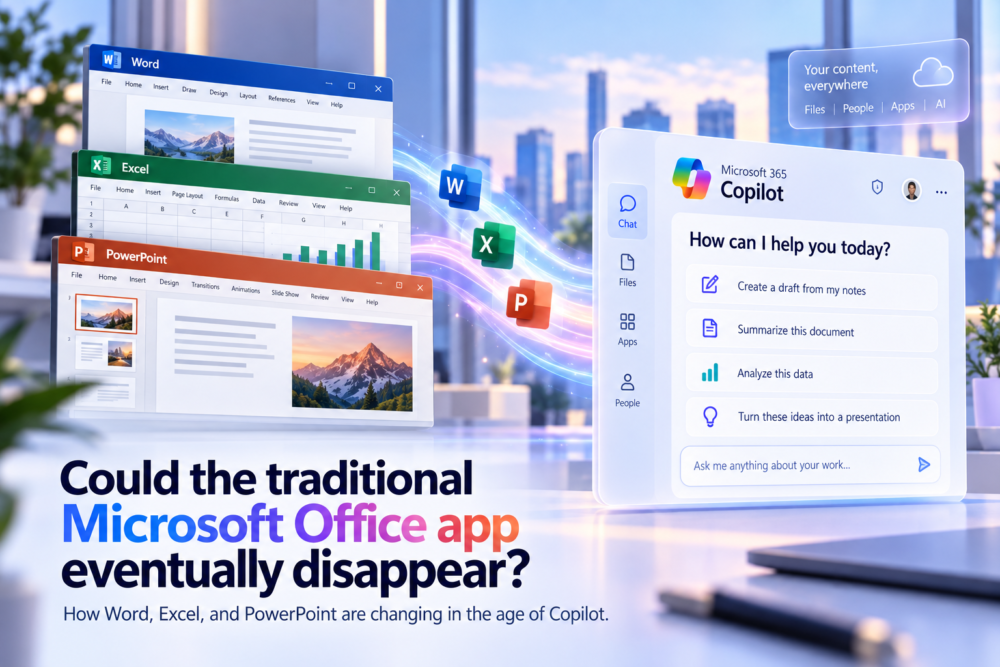
For decades, the Microsoft Office experience has been easy to understand, with Word, Excel, PowerPoint, Outlook, and the wider Microsoft 365 ecosystem built around familiar applications. You need to write something, so you open Word. You need to work with numbers, so you open Excel. You need to build a presentation, so you open PowerPoint.
That model is so familiar that it can feel permanent.
But Microsoft’s growing focus on Microsoft 365 Copilot raises an interesting question: what happens when users no longer need to begin with the application?
If someone can tell Copilot to create a budget, prepare a presentation, summarize a document, or update a spreadsheet, the starting point for Office work begins to change.
This does not necessarily mean Word, Excel, and PowerPoint are about to disappear. In fact, Microsoft’s current direction suggests something more subtle: the traditional Office apps may remain important while becoming less important as the place where work begins.
How the traditional Microsoft Office experience used to work
The traditional Office model is built around separate applications, and each one has a clear identity. Word is for documents, Excel is for spreadsheets, PowerPoint is for presentations, Outlook is for email and calendars, and OneNote is for notes.
The user decides which tool is appropriate, opens it, finds or creates a file, and begins working. That structure made sense when software was defined by the application window.
The program was the destination.
How Microsoft Copilot changes the way Office work begins
The old question is simple: “Which app should I open?”
The newer question is: “What am I trying to accomplish?”
That sounds like a small difference, but it changes the entire workflow.
Suppose somebody needs a presentation based on a project brief. Traditionally, they would open PowerPoint, choose a template, find the source document, copy the relevant information, create slides, organize the structure, and then edit the result.
With an AI-first workflow, the user can begin by describing the desired outcome. The software can help gather context, create the initial presentation, and then hand the user an editable PowerPoint file.
PowerPoint still matters, but PowerPoint may no longer be where the process begins.
Microsoft is changing the “front door” to Office and Microsoft 365
This is not only a theoretical idea. Microsoft has already been changing the application that sits above its productivity suite.
The Microsoft 365 app, which had become the broader home for Office-related productivity, transitioned into a more Copilot-centered experience. That was an important signal because Microsoft increasingly positioned Copilot as a place where users can begin their work rather than simply as an extra feature inside individual applications.
Microsoft has also been making it possible to create and update real Word documents, Excel workbooks, and PowerPoint presentations through Copilot-driven workflows.
The important detail is that these are still Office files.
They can still be opened and edited in the dedicated applications, which makes Microsoft’s direction clearer. Copilot is not necessarily replacing Office; it is becoming another way to control it.
Word, Excel, and PowerPoint may become engines as well as apps
One way to understand the future is to think of Office applications as engines.
Today, Word is both the place where a document exists and the interface used to create it. In a more AI-driven model, those two ideas can separate.
Word can remain the document engine that understands paragraphs, styles, comments, track changes, page layout, and collaboration, while the user sometimes interacts with that engine through Copilot instead of beginning inside the traditional Word window.
The same applies to Excel. Its calculation engine, formulas, tables, charts, PivotTables, data tools, and workbook format remain valuable even if a user starts by asking Copilot to build the analysis.
PowerPoint can continue providing the presentation structure and editing environment even when AI creates the first draft.
The app does not disappear. Its role expands behind the scenes.
Microsoft is also bringing Copilot deeper into Word, Excel, and PowerPoint
The relationship works in both directions.
Copilot is becoming more capable of using Office, while Office is also becoming more deeply connected to Copilot. Instead of only answering questions in a side panel, AI features are increasingly able to perform multi-step actions directly inside documents, workbooks, and presentations.
In Excel, for example, Copilot can help build formulas, create charts, explore data, and make workbook changes. In Word and PowerPoint, it can help draft, summarize, restructure, and create content based on a user’s instructions.
The important point is that Microsoft is not separating AI from the traditional apps.
It is embedding AI more deeply into them.
That makes a complete disappearance of Word, Excel, or PowerPoint much less likely in the near future.
Why specialized Office apps still matter
Microsoft’s mobile strategy also shows why the transition is more complicated than simply replacing every Office app with one AI interface.
A central productivity or Copilot experience can be convenient for asking questions, generating content, and finding information. Detailed editing, however, still benefits from a specialized interface.
Working deeply in Excel is different from editing a Word document. Building a slide deck is different from formatting a report.
One universal interface can help start the task, but dedicated applications can still be better for finishing it.
That distinction is important because it suggests the future may be less about one app replacing another and more about users moving between different interfaces depending on what they are trying to do.
Why Word, Excel, and PowerPoint are difficult to replace
Word, Excel, and PowerPoint are not simple containers. Each application has decades of specialized behavior.
Excel alone contains formulas, charts, PivotTables, macros, Power Query, data connections, automation, and many other features. Word includes styles, sections, references, comments, revision tracking, layout tools, and advanced document controls.
PowerPoint has its own design, animation, media, layout, and presentation systems.
A single generic AI interface would have to expose enormous amounts of functionality if it wanted to replace all three applications completely. At that point, the supposedly simple unified interface could become more complicated than the apps it replaced.
Specialization still has value.
The Microsoft Office brand may change faster than the apps
The word “Office” has already changed meaning several times.
It began as a software suite, then Microsoft increasingly emphasized Microsoft 365, subscriptions, cloud storage, Teams, collaboration, and the services surrounding the traditional applications. Copilot is now becoming another layer across that ecosystem.
That means the branding and entry points may evolve faster than Word or Excel themselves.
A user in the future may think less about “opening Office” and more about starting work through Copilot, Teams, a browser, or another Microsoft 365 surface. Yet the file they ultimately work with could still be a DOCX, XLSX, or PPTX file.
The familiar Office applications could therefore become less visible without becoming less important.
AI may reduce how much of the Office interface users need to learn
Traditional Office expertise often includes knowing where features are located. Which menu creates a PivotTable? Where do you change paragraph spacing? How do you apply a template? Which chart should you choose?
AI can reduce the importance of remembering every one of those steps.
A user can describe the desired result and allow Copilot to perform part of the work. This changes what “knowing Office” means.
In the past, expertise often included knowing the interface. In the future, expertise may shift more toward understanding the content, knowing what outcome you want, and judging whether the result is correct.
The software can handle more of the mechanical process, while the person remains responsible for the decision.
Why users will still open Word, Excel, and PowerPoint
AI works well when the user can describe a goal. It is less useful when the task depends on careful visual inspection, experimentation, or detailed control.
An accountant may want to inspect every important formula. An editor may need to review tracked changes line by line, while a designer may want to adjust a presentation slide by slide.
A financial analyst may also need to understand exactly how a model behaves rather than accepting an automatically generated result.
For those users, the traditional application is not an inconvenience. It is the workspace.
That is why the most believable future is not “Copilot replaces Office.” It is “Copilot changes when and how people enter Office.”
Office files may matter more than the app window
The most important part of Office has never been the icon on the desktop. It is the work people create.
Documents, spreadsheets, and presentations can survive even as the interface around them changes.
Microsoft’s current direction suggests that a document may increasingly be created from a chat, updated from a team workspace, reviewed in a browser, and finalized in the traditional desktop app.
The same file can move between different experiences.
That is very different from the older idea of opening one application and staying there until the job is finished.
Will Microsoft Copilot eventually replace traditional Office apps?
Eventually, parts of the traditional experience probably will.
The central Office launcher has already become much more Copilot-oriented, more work can begin from natural-language requests, and AI is becoming increasingly capable of editing files directly.
Cloud services are also making the boundaries between individual applications less important.
But Word, Excel, and PowerPoint still have strong reasons to exist because they contain specialized interfaces and decades of functionality that remain useful when users need precision and control.
A more realistic future looks like this:
✓ Copilot becomes a common starting point.
✓ Users describe outcomes instead of navigating every menu manually.
✓ Word, Excel, and PowerPoint continue working behind the scenes.
✓ Dedicated apps remain available for deep editing.
✓ Files move more freely between chat, web, desktop, and collaboration tools.
The applications become part of a larger system rather than isolated destinations.
Final thoughts
Microsoft Office is unlikely to vanish in one dramatic moment. There probably will not be a day when Microsoft announces that Word, Excel, and PowerPoint are suddenly gone.
The change is more likely to happen gradually.
People may simply notice that they open the apps less often to begin a task. They might ask Copilot for a budget and receive an Excel workbook, describe a presentation and receive a PowerPoint file, or ask for a report and receive a Word document.
Then, when detailed control matters, they open the familiar application and continue working.
If that future arrives, Office will not have disappeared. It will simply have become something larger than the app window.
Frequently asked questions about the future of Microsoft Office
Is Microsoft Office being discontinued?
The traditional Word, Excel, and PowerPoint applications are still central to Microsoft’s productivity ecosystem. What is changing is how users can begin and complete work, with Microsoft 365, cloud services, and Copilot creating additional ways to interact with Office files.
Will Microsoft Copilot replace Word, Excel, and PowerPoint?
A complete replacement appears unlikely in the near term because the dedicated apps contain specialized editing tools and decades of functionality. A more realistic direction is for Copilot to become a common starting point while Word, Excel, and PowerPoint remain available for detailed editing and advanced work.
What could the future of Microsoft Office look like?
Office may become less dependent on opening a specific application first. Users could increasingly start with a natural-language request, create or update a document through Copilot, and then move into Word, Excel, or PowerPoint when they need precise control.
Cloud storage already began weakening that idea because files could live in OneDrive or SharePoint and open from links, browsers, Teams conversations, or other services. AI pushes the change much further.
Instead of beginning with the tool, the user can begin with the outcome.